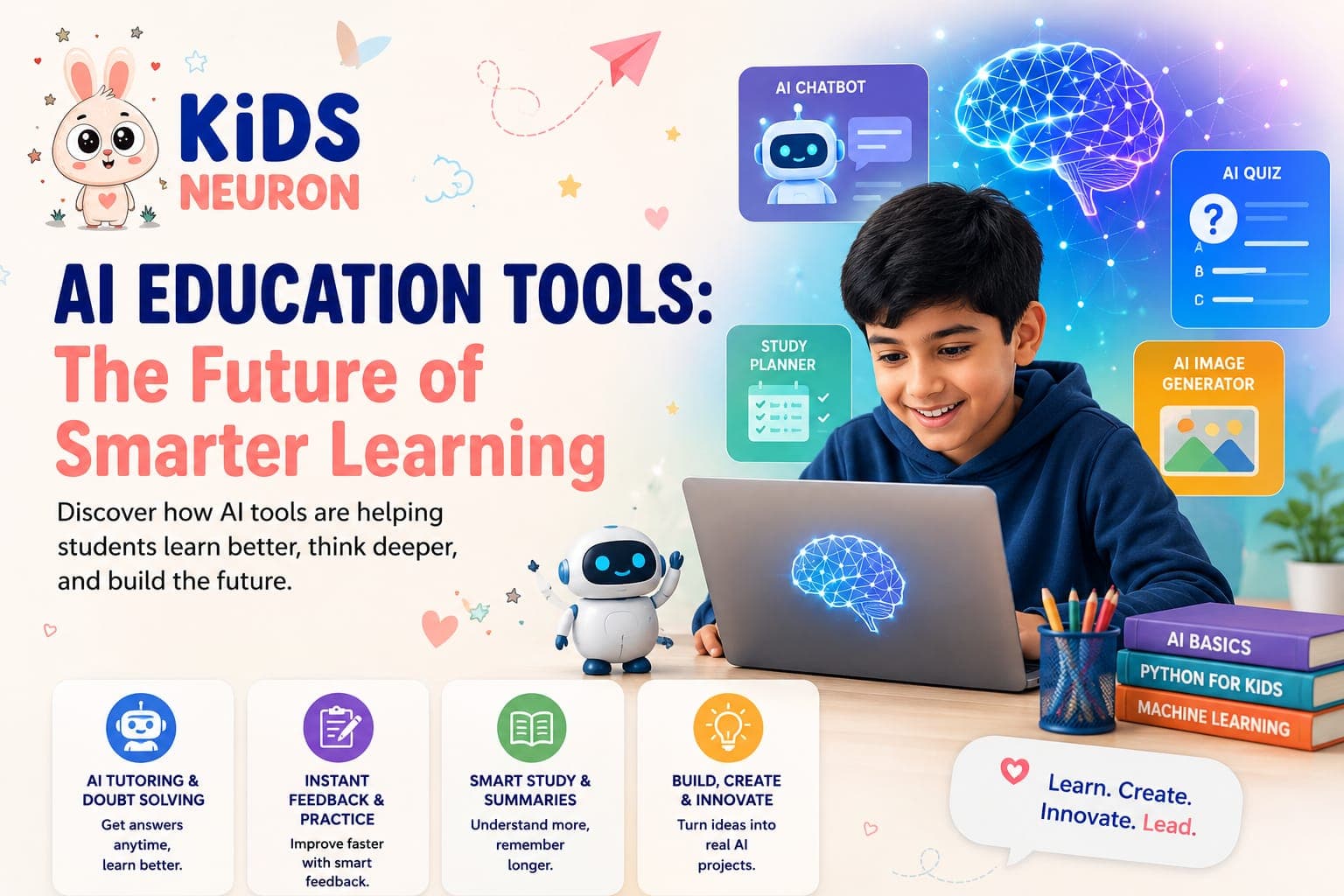
AI Websites for Students: A Practical Guide to Projects, Bootcamps, and Getting Started the Right Way
If you have spent any time searching for ways to get your child started with artificial intelligence, you've probably noticed the same problem I keep hearing from parents: there is no shortage of tools, but there's a real shortage of clarity. Everyone is talking about AI. Very few people are explaining, in plain language, what a student should actually do with it.
This guide is meant to fix that. We'll walk through the best AI websites for students, real artificial intelligence projects for students at different skill levels, what an AI engineer bootcamp actually teaches, and how to evaluate an AI bootcamp online before you commit your child's time (and your money) to it.
Nothing here is theoretical. Every recommendation is based on what actually helps a 10-to-17-year-old go from "curious about AI" to "has built something they're proud of."
Why AI Websites for Students Matter More Than Ever
A few years ago, learning to code meant sitting through dense syntax lessons before building anything meaningful. That barrier kept a lot of curious kids away. AI has changed that equation. The best AI websites for students today let a 12-year-old build a working chatbot or a quiz generator in an afternoon, using tools that explain concepts in plain English rather than technical jargon.
But there's a catch. Not every platform marketed as "AI education" is actually teaching AI. Some are glorified video libraries. Others let students drag and drop pre-built blocks without ever understanding what's happening underneath. This is exactly the gap we built KidsNeuron to close. Instead of a passive video course, our AI product building program for Grades 4–12 is structured around weekly live sessions where students build actual applications — chatbots, websites, and mobile tools — with a mentor reviewing their work as they go. If you want to see what that structure looks like before committing to anything, the 3-day trial is the easiest way to test it with your own child. A genuinely useful AI website for students should do three things:
- Explain the underlying concept before letting a student use the tool
- Give the student something real to build, not just a demo to watch
- Provide feedback from an actual mentor, not just an automated checklist
What to Look For Before Signing Up Anywhere
Before you commit to any platform, ask these questions:
- Does the site show real student output, or only marketing screenshots?
- Is there a human mentor involved, or is it entirely self-paced?
- Does the curriculum go beyond "using AI tools" into actually understanding how they work?
- Is there a certificate or portfolio piece at the end that a student can show a school or college?
Artificial Intelligence Projects for Students: What Actually Works at Each Level
The fastest way to learn AI isn't by reading about it — it's by building something small, breaking it, and fixing it. Below are project categories that genuinely work, organized roughly by how much prior experience a student needs.
Beginner Projects (No Coding Background Needed): AI chatbot for a specific purpose — rather than building a generic chatbot, students get far more out of building one with a narrow job, such as answering questions about a school subject, recommending books, or helping with homework scheduling. Narrow scope forces students to think about prompts, logic, and user experience instead of getting lost in complexity. AI-generated quiz or trivia game and a personal portfolio website are also excellent beginner projects.
Intermediate Projects (Some Prior Practice): A smart homework or study planner that takes a student's assignments and deadlines and organizes them intelligently. A health or habit reminder app that nudges a user toward good habits. An AI-assisted mobile application that introduces a new environment without requiring students to start from zero.
Advanced Projects (Ready for a Challenge): Automation tools that use AI to handle repetitive tasks like sorting information, summarizing content, or generating reports. Startup-style AI products where students identify a problem, design a solution, build an MVP, and present it as though pitching to real users. Team-based product builds that introduce collaboration and the reality that real products are rarely built by one person alone.
This progression — chatbot, to productivity tool, to advanced product, to team project — is essentially the same path we use inside the KidsNeuron bootcamp, where students move from a Month 1 chatbot and personal website through to a Month 3 advanced AI product and portfolio site. The structure matters because skipping steps tends to produce students who can follow instructions but can't yet solve a new problem on their own. If you're curious why starting this early carries so much long-term value, we go deeper into the reasoning in our article on why every school student in India should learn AI now.
How an AI Engineer Bootcamp Prepares Students for Real Careers
The term "AI engineer bootcamp" gets used loosely, so it's worth being precise about what a genuinely useful one for school-age students should include.
A strong AI engineer bootcamp for students isn't trying to turn a 13-year-old into a machine learning researcher overnight. That's not realistic, and frankly it's not the goal. What it should do is build the foundational instincts that professional AI engineers rely on every day:
- Problem decomposition — breaking a big, vague idea into small, buildable pieces
- Iteration — building something rough first, then improving it based on feedback
- Tool fluency — knowing which AI tool fits which job, instead of using the same one for everything
- Communication — being able to explain what you built and why, to someone who wasn't in the room while you built it
Why the Mentor Matters More Than the Curriculum
A lot of parents assume the curriculum is the most important part of a bootcamp. In practice, the mentor matters just as much, if not more. A student can follow a well-designed curriculum and still get stuck on a bug, a design decision, or a concept they don't fully understand — and without someone to unstick them, that's often where momentum dies.
Weekly project reviews with an actual practitioner, not an automated grading system, are what keep students moving forward instead of quietly giving up. At KidsNeuron, this shows up in the structure of our Advanced AI Bootcamp, which is built around weekly project reviews and direct mentor guidance rather than pre-recorded lessons. Students don't just watch someone else build an AI application — they build their own, get feedback on it every week, and present it in a live demo at the end. For younger students who need a gentler entry point, the AI Creator Bootcamp for Grades 4–7 covers the same core ideas at a pace and complexity suited to that age group.
Choosing the Right AI Bootcamp Online: A Parent's Checklist
With so many programs now describing themselves as an AI bootcamp online, it helps to have a short, practical checklist rather than relying on marketing copy alone.
- Is it project-based or lecture-based? Watching videos about AI is not the same as building with it. Look for programs where the majority of time is spent creating something, not consuming content.
- Are class sizes small enough for real feedback? A bootcamp with hundreds of students per session can't give meaningful individual feedback. Small batches mean mentors can actually review each student's work.
- Does it lead to something tangible? By the end, a student should have a portfolio of real projects and, ideally, a certificate that reflects actual work completed — not just attendance. KidsNeuron students, for example, receive portfolio-ready certificates tied to completed projects, which matters when students later use them for academic portfolios or early opportunities.
- Is the pacing appropriate for the student's grade? An online AI bootcamp built for a Grade 5 student should look very different from one built for a Grade 11 student. Be wary of one-size-fits-all programs that don't account for age or prior experience.
- Can you try before committing? Programs confident in their teaching quality are usually happy to let you test the waters. A short, low-cost trial class is one of the clearest signals of a program that stands behind its own structure.
- Is there a clear path from beginner to advanced? Look for a defined learning path rather than a loose collection of unrelated lessons. Progression matters — students should be building on skills from the previous stage, not starting over each time.
Red Flags Worth Watching For
When evaluating any AI learning platform or bootcamp for students, be cautious of programs that make big promises without the substance to back them up.
- Vague claims like "master AI in one weekend" with no structure behind them
- No visible mentor or instructor credentials
- Testimonials that can't be verified or feel generic
- No sample projects or portfolio examples shown anywhere on the site
- Pressure tactics to enroll immediately without a trial option
Bringing It Together: Websites, Projects, and Bootcamps Working as One System
Here's the piece that often gets missed: AI websites for students, artificial intelligence projects for students, and an AI engineer bootcamp aren't three separate things. They work best as one connected system.
The website or platform is where a student is introduced to concepts. The projects are where that understanding becomes real skill. The bootcamp is the structure that ties the two together with mentorship, feedback, and pacing — so a student is not just guessing what to build next.
This is the exact model behind KidsNeuron's AI Product Builder Internship: real product building instead of theory-only lessons, weekly project reviews for continuous feedback, mentor guidance from industry practitioners, portfolio development, and live project demonstrations at the end. Students walk away with a body of work — chatbots, websites, mobile apps, and in later stages, startup-style products — that speaks for itself far more convincingly than a certificate alone ever could.
For families weighing whether this is worth pursuing at all, it's worth remembering that the students getting noticed for internships, competitions, and early opportunities today aren't the ones who only used AI tools. They're the ones who can point to something they built with them. That distinction — consumer versus creator — is really what separates a student who dabbled in AI from one who can genuinely say they understand it.
Frequently Asked Questions
What are the best AI websites for students to start learning on?
The best options combine clear, beginner-friendly explanations with hands-on building, ideally guided by a real mentor rather than only pre-recorded videos. Look for platforms that let students create an actual project — a chatbot, website, or small application — rather than ones that only demonstrate AI tools without letting students build with them.
What artificial intelligence projects for students are best for beginners?
A narrow-purpose chatbot, an AI-generated quiz game, or a personal portfolio website are excellent starting points. They're small enough to complete in a short timeframe but teach real foundational skills in prompting, logic, and basic design that carry into every future project.
Is an AI engineer bootcamp appropriate for school-age students, or only for adults preparing for a job?
A well-designed AI engineer bootcamp for students isn't about job placement. It's about building problem-solving instincts, tool fluency, and confidence early. Programs built specifically for Grades 4–12, like KidsNeuron's bootcamp tracks, adjust complexity and pacing to match a student's age rather than using adult-level material.
How do I know if an AI bootcamp online is legitimate before enrolling?
Check for a project-based curriculum, small batch sizes, visible mentor involvement, real (verifiable) student work, and a low-cost trial option. Programs unwilling to show actual student projects or offer any kind of trial are worth approaching with caution.
Does my child need coding experience before starting AI projects?
No. Most modern AI tools are designed to be approachable for beginners, and a good program introduces coding fundamentals gradually as students progress, rather than requiring it upfront. Many students start with zero coding background and build their first working project within days.
How long does it typically take to see real results?
With a structured, project-based approach, most students complete their first working project — a chatbot or simple website — within the first few weeks. More advanced products, like a mobile app or a startup-style project, typically come after a few months of consistent, guided practice.
What age group is best suited to start learning AI?
Grades 4 through 12 can all start meaningfully, provided the curriculum is matched to their level. Younger students benefit from simpler, more visual projects, while older students can move faster into advanced product building and even entrepreneurial-style projects.
See project-based AI learning in action
KidsNeuron's 3-day trial gives your child a chance to build a real AI project before you commit to anything further. It's the fastest way to find out whether this approach is the right fit for your family.
Start 3-Day Trial